

Swing the Bat: Fun Family Arcade Game
Overview
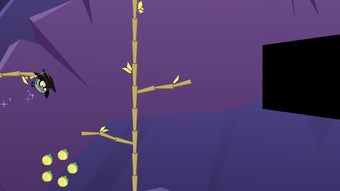
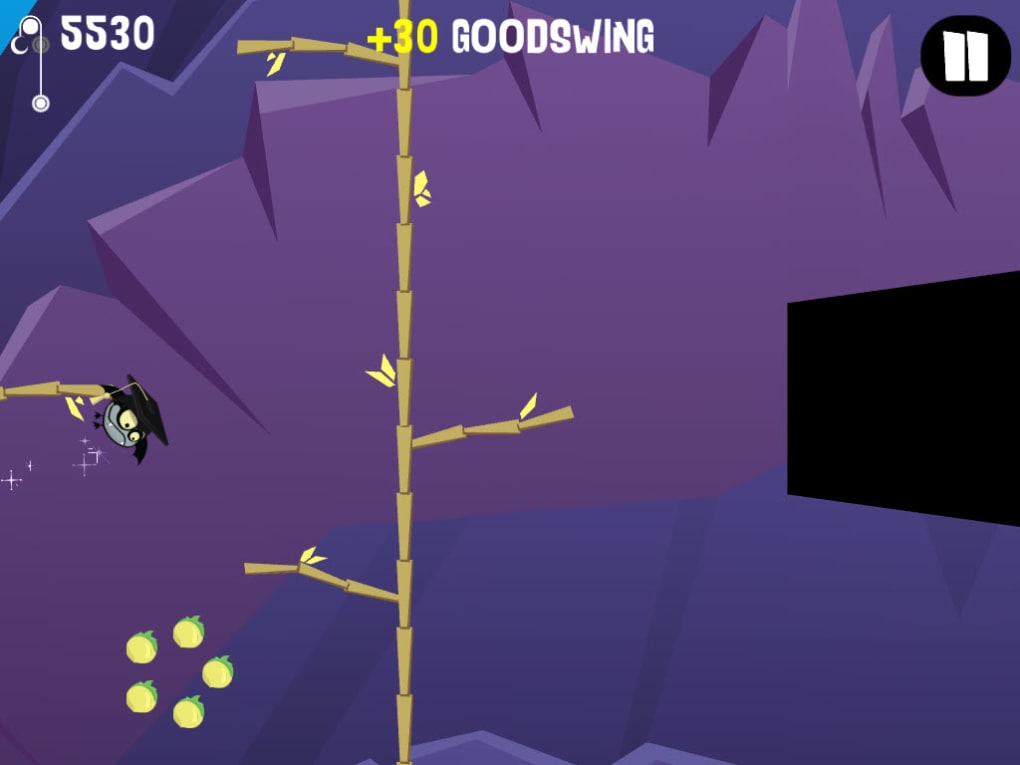
Swing the Bat is a casual arcade game designed for family entertainment, offering a lighthearted and cartoon-inspired experience. Built around simple touch-based mechanics, the game allows players to control a playful bat using only a single finger, making it accessible to younger audiences and casual gamers alike. The core gameplay revolves around swinging through levels using pendulum physics, grabbing trees and rocks to propel forward while collecting fruit and unlocking new costumes.
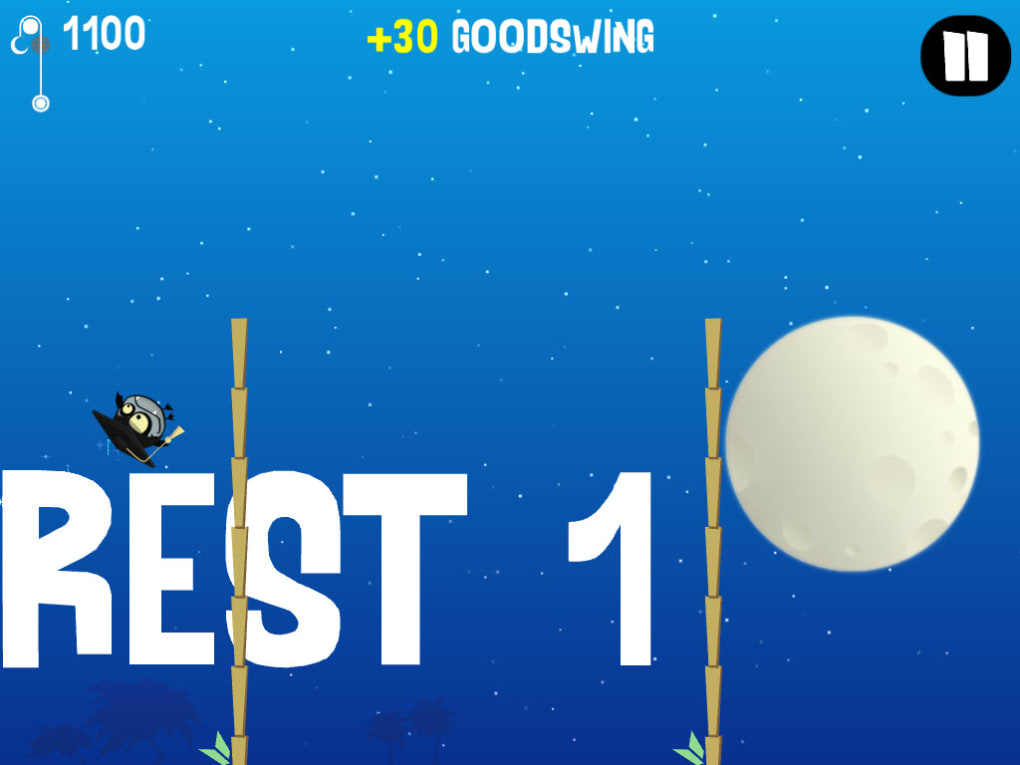
Though the visual design is straightforward and not technically advanced, it effectively captures the whimsical tone of a morning cartoon, enhancing its appeal to children. The game presents a small but varied set of challenges, including distance-based goals, precision swings, and fruit collection tasks, encouraging repeated play to master different objectives. While the game features only two main levels, each offers unique obstacles and objectives that promote experimentation and skill development.
The developer did not provide additional details about the development background or target audience beyond the game’s family-friendly nature. Real-world usage scenarios include short gaming sessions during breaks, family game nights, or screen time for kids. The game’s simplicity and low barrier to entry make it ideal for quick entertainment without requiring complex controls or long setup times.
Key Features & Capabilities
- Single-Finger Control: Players use one finger to initiate swings, making the game highly accessible for children and casual users.
- Pendulum Physics Mechanics: The bat swings using realistic pendulum motion, adding a layer of strategy to timing and release points.
- Level-Based Challenges: Each level includes unique objectives such as collecting a set number of fruits, swinging between trees, or achieving specific distances.
- Costume Unlock System: Completing challenges rewards players with new outfits for the bat, increasing replay value and visual variety.
- Optional Swing Meter: A visual indicator helps players identify the optimal release point for maximum momentum, aiding in precision and timing.
These features work together to create a gameplay loop that emphasizes experimentation and skill refinement. For example, a player might attempt multiple swings to learn the ideal release timing for a long jump across a gap. The costume system adds a sense of progression, encouraging players to revisit levels to unlock new looks.
The game’s focus on simple mechanics with layered objectives allows for both immediate fun and gradual mastery. While the number of levels is limited, the variety in challenge types ensures that gameplay remains engaging for younger users. The lack of complex menus or settings keeps the experience streamlined, ideal for short play sessions.
The developer did not specify additional features beyond these core mechanics.
User Interface, Workflow & Performance
The user interface of Swing the Bat is minimal and intuitive, aligning with its casual and family-oriented design. The main screen displays the game environment, including the bat, swinging ropes, trees, rocks, and collectible fruit. Navigation is entirely gesture-based, requiring no menus or buttons beyond the touch input for swinging.
The workflow is straightforward: touch to start, swing to move, collect items, and complete objectives. The game does not include pause functions or in-game settings, which simplifies the experience but limits customization. Performance observations are based on general software behavior patterns.
The developer did not specify resource usage details, so CPU and RAM behavior remain unknown. Stability during gameplay is not reported, but the game’s lightweight design suggests smooth operation on supported systems. The absence of complex animations or background processes likely contributes to consistent frame rates.
The game’s simplicity may also reduce the risk of crashes or freezes. However, exact performance data were not provided.
Compatibility & System Requirements
Swing the Bat is available for both Windows and Mac operating systems, making it accessible to a broad desktop user base. The software version is 1.0.0, and the installation size is 45 MB, indicating a lightweight footprint. The developer did not specify exact system requirements, including minimum processor speed, RAM, or graphics capabilities.
Compatibility information was partially provided, with support confirmed for Windows and Mac platforms. No mention was made of older or newer OS versions, so users should verify compatibility with their specific system configurations. The game does not require external hardware or additional software components for operation.
No information was provided about online connectivity needs or cloud features. Users are advised to ensure their system meets standard desktop requirements for running casual applications.
Pros and Cons
Pros
- Simple, intuitive one-finger controls ideal for children and casual players.
- Engaging cartoon-style visuals that appeal to younger audiences.
- Replayable challenges with varied objectives and costume rewards.
- Lightweight installation size of 45 MB.
- Free to download and use with no in-app purchases.
Cons
- Limited number of levels may reduce long-term engagement for older players.
- Lack of detailed system requirements makes compatibility verification difficult.
- No pause or settings menu, which may limit accessibility for some users.
- Gameplay may feel repetitive due to minimal variety in mechanics.
- Developer did not provide performance or stability data.
FAQ Section
Is Swing the Bat available for Windows and Mac?
Yes, Swing the Bat is compatible with both Windows and Mac operating systems as stated in the product details.
Is the game free to download and play?
Yes, Swing the Bat is offered as a free desktop application with no cost for download or use.
Does the game require an internet connection?
The developer did not specify whether online connectivity is required. Based on the game’s casual nature and offline mechanics, it is likely playable without an internet connection.
Can I update Swing the Bat to the latest version?
Yes, updates are available through the official distribution channel. The current version is 1.0.0, with recent changes including bug fixes.
What kind of license does Swing the Bat use?
The game is distributed as free software, but the specific license type was not disclosed in the provided information.
Final Thoughts
Swing the Bat delivers a charming, low-pressure arcade experience tailored for families and younger players. Its simple touch-based controls, cartoonish design, and variety of challenge types make it a solid choice for short bursts of entertainment. While the limited number of levels and repetitive mechanics may not sustain interest for older or more experienced gamers, the game excels in accessibility and immediate fun.
The inclusion of costume unlocks adds a layer of progression that encourages repeated play. With a minimal 45 MB footprint and free availability, it poses no barrier to entry. For parents seeking a safe, easy-to-use game for children, Swing the Bat is a strong contender.
The game’s focus on physical interaction through pendulum physics offers a unique twist in the casual genre. Download Swing the Bat now.







